Salisbury University |  Instructional Design & Delivery Newsletter | October 7, 2025

Instructional Design and Delivery: News and Events

Soaring with Online Learning

Soaring with Online Learning (Soaring) is a professional development program at Salisbury University that prepares instructors to design and deliver courses in hybrid, remote, or fully online formats using MyClasses. The program has been redesigned to offer flexible start/end dates, personalized learning, and course development plans with your instructional designer liaison. You can apply for the updated Soaring program today!

Interact With Your Course as a Student

Did you know that you can view your course the same way that your students view it by using Student View? From many of the areas in your course, you will see a View as Student button in the top right of your course. If you click that button, you can act as a student within your course.

View as Student button

Advantages to using the student view include:

  • view and participate in the course similar to your students (including submitting assignments, replying to discussion and completing an assessment)
  • ensure quizzes and assignments display and function as intended, 
  • ensure content is published and visible to students, 
  • test out your grading schemes, and 
  • test out module settings (such as prerequisites and required module items to progress through the course). 
 

You can Leave Student View to keep your "student" activity (which displays as Test Student in the gradebook), to toggle back and forth between grading from the instructor versus student perspectives. You can enter and leave student view as often as you like. However, you can also Reset Student, which allows you to clear any Test Student activity so that you can retest course/assignment settings as needed.

A Reset Student button and a Leave Student View button side by side

While Student View can be an effective tool for reviewing your course, please note that attendance, conferences, conversations inbox, collaborations, differentiated assignments, external apps, groups, peer reviews, profiles, and other external tools do not work for the Test Student, as there is not a true account/email associated with the Test Student. Review the Canvas Student View guide for more information.

Practice & Play: AI Tools for Final Assignments

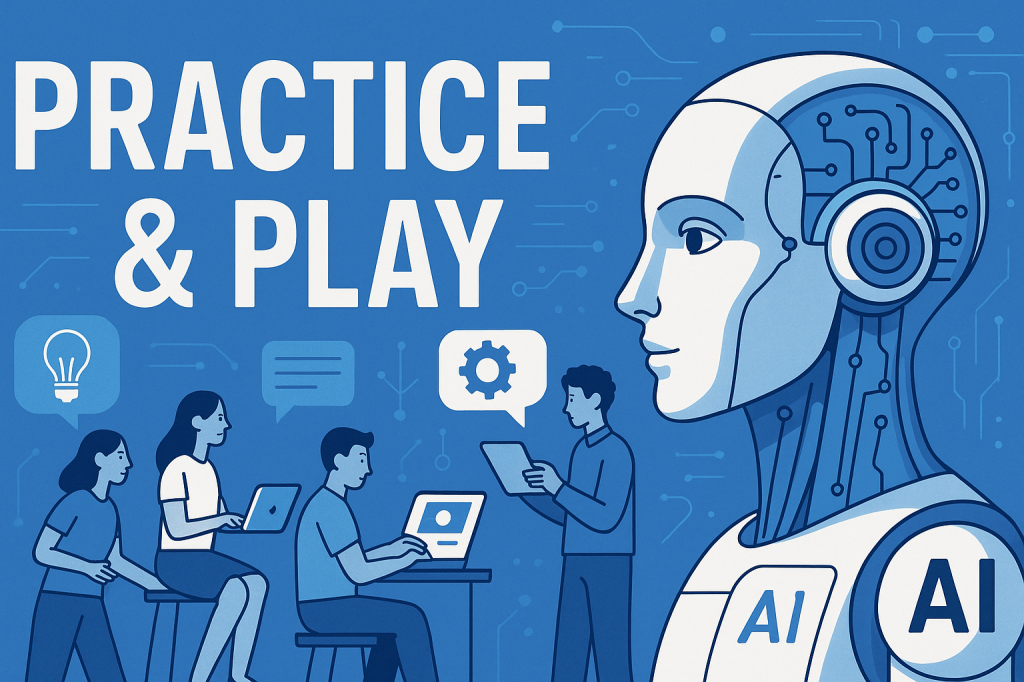
Practice and Play with AI

Instructional Design & Delivery (ID&D) will be hosting a series of hands-on workshops that give you the opportunity to explore AI tools for specific purposes. Designed to help you integrate emerging tools into your teaching practice, each session focuses on practical, adaptable strategies for enhancing activities you already use—making your courses more engaging, efficient, and future-ready. No prior experience with AI is required—just curiosity and a willingness to experiment.


Date & Time: October 22, 1:30–2:30 p.m.

Workshop 2: Polish & Present - AI Tools for Final Assignments

Location: In-person at AC221 (ID&D Faculty Studio)

Facilitator: Dr. Janice Orcutt


Help students shine in their final projects with the support of AI! This workshop explores two powerful applications: using AI tools to help students practice and improve their presentation skills and leveraging AI tools to support peer review and revision in group work. Learn how to integrate these AI-powered strategies into your course to boost confidence, clarity, and collaboration.

Register

AI in Higher Education & Business 

AI in Higher Education & Business

October 10, 10 a.m. – 12 p.m. in Perdue Hall 156, University of Baltimore (UB) colleagues visit SU to discuss “AI in Higher Education and Business” for students, faculty, staff, and community.  The session begins 10-10:45 a.m. with "From Disruption to Design: AI in Education" with Jessica Stansbury, UB Director of the Center for Excellence in Learning, Teaching and Technology (CELTT) and the Center for AI Learning and Community-Engaged Innovation (CAILI). Next, 11-11:30 a.m., Stansbury demos “BoodleBox AI,” a comprehensive system being tested at UB. The session ends 11:30 a.m.-12 p.m. with "Connecting Education to Entrepreneurship" with Henry Mortimer, UB Director of the Center for Entrepreneurship and Innovation (CEI) and Dr. Sanwar Sunny, Assistant Professor in the UB Merrick School of Business.

New Quizzes Settings

Three new settings have been added:


  • Detect multiple sessions
  • Show Custom Feedback with results
  • Disable document uploads (in the rich content editor for essay questions)
 

To learn more about these settings, and all available assessment settings in New Quizzes, please see our Establishing Settings for a Quiz knowledgebase article.

Midsemester Check-In With Students: Supporting Student Success and Improving Pedagogical Practices

Seagulls in flight at Lewes beach taken by Sara Prebenda

While end-of-semester course evaluations can be a great source for student feedback about a course and instructor, it comes at a time that is too late for the current learners. Instead, consider adding a formative feedback strategy to ask students what is working (or not) so far in the course. Such formative feedback is important because it allows you to identify areas where students are struggling and to provide timely support, which in turn helps students succeed in meeting the course objectives. 


Midsemester feedback is also important for strengthening your pedagogy because it can help you reflect on your teaching practices. By understanding how students are experiencing the course, you can identify areas where additional instructional materials may clarify a particular concept, or how more effective communication or engaging teaching practices can be added to your course to support student learning.


ID&D has provided a Formative Course Assessment survey template in the Canvas Commons that you can import into your MyClasses course. 


Not sure how to import content from the Canvas Commons? We have a video tip for that!

Microsoft Teams Meetings Trainings

MS Teams logo

Join the Office of Information Technology for live training sessions focusing on the use of Microsoft Teams for meetings and webinars. Each training session lasts 45 minutes and will be available online for you to join from any location. Please register for the sessions you’re most interested in joining! The training introduces participants to the core features of Microsoft Teams Meetings. Attendees will learn how to schedule and join meetings, manage participants, share content, and use collaboration tools such as chat, reactions, and screen sharing. The session will also cover meeting best practices, including tips for engaging presentations and effective virtual collaboration.


October offerings:

Oct. 8 at 1 p.m.: Using Microsoft Teams for Meetings

Oct. 15 at 10 a.m.: Advanced Meeting Options for Microsoft Teams

Oct. 22 at 11 a.m.: Using Microsoft Teams for Meetings

Oct. 29 at 1 p.m.: Creating your own Webinar in Microsoft Teams

Need Assistance?

Ways to get help:

♦ Search our ID&D Knowledge Base

♦ Submit a Help Request

♦ Contact your Instructional Designer 

♦ Schedule a Virtual Appointment

Visit & Follow Us

Department Information:

W: salisbury.edu/instructionaldesign

E: suidd@salisbury.edu

O: Guerrieri Academic Commons, 220

P: 410-677-6585

Instructional Design and Delivery YouTube
Instructional Design and Delivery  X (formerly Twitter)
Instructional Design and Delivery Workshop Calendar
Salisbury University Logo

SU is an Equal Opportunity/AA/Title IX university and provides reasonable accommodation given sufficient notice to the University office or staff sponsoring the event or program. For more information regarding SU's policies and procedures, please visit salisbury.edu/equity.


View Online