Salisbury University |  Instructional Design & Delivery Newsletter | February 27, 2024

Instructional Design and Delivery

14th Annual Teaching & Learning Conference:
Session Recordings

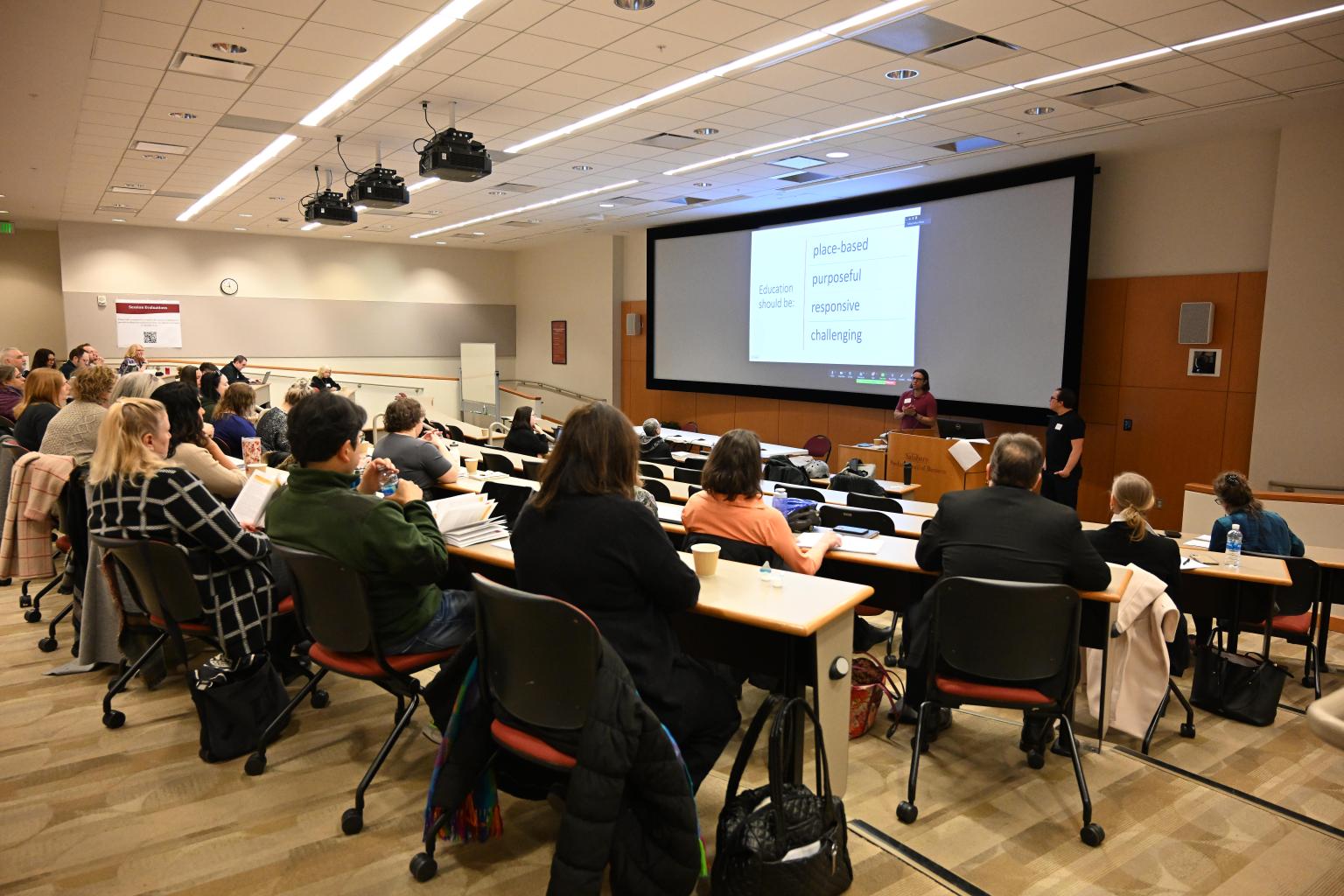
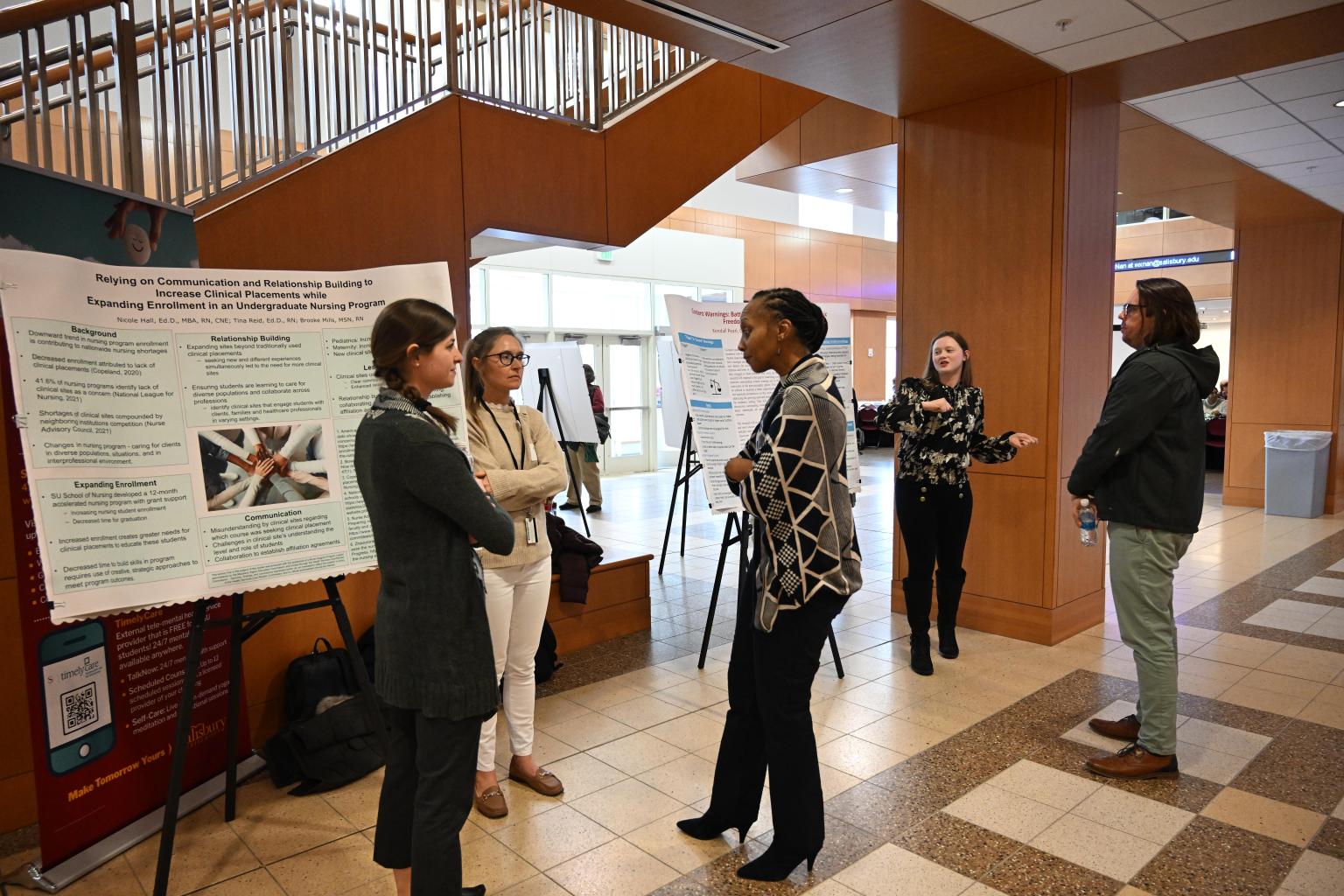
Attendees at TLC session in Perdue Hall 156 tiered classroom.

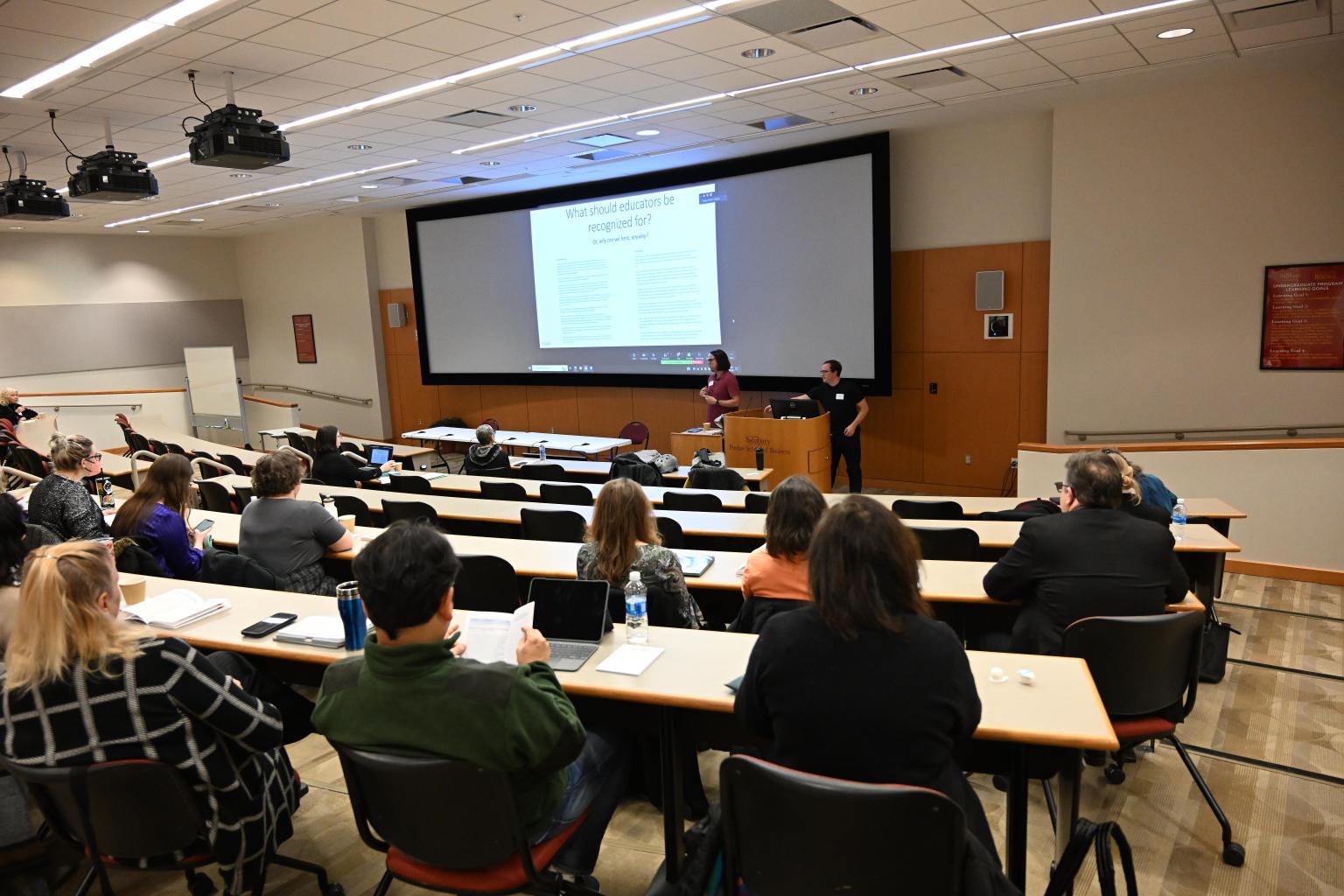
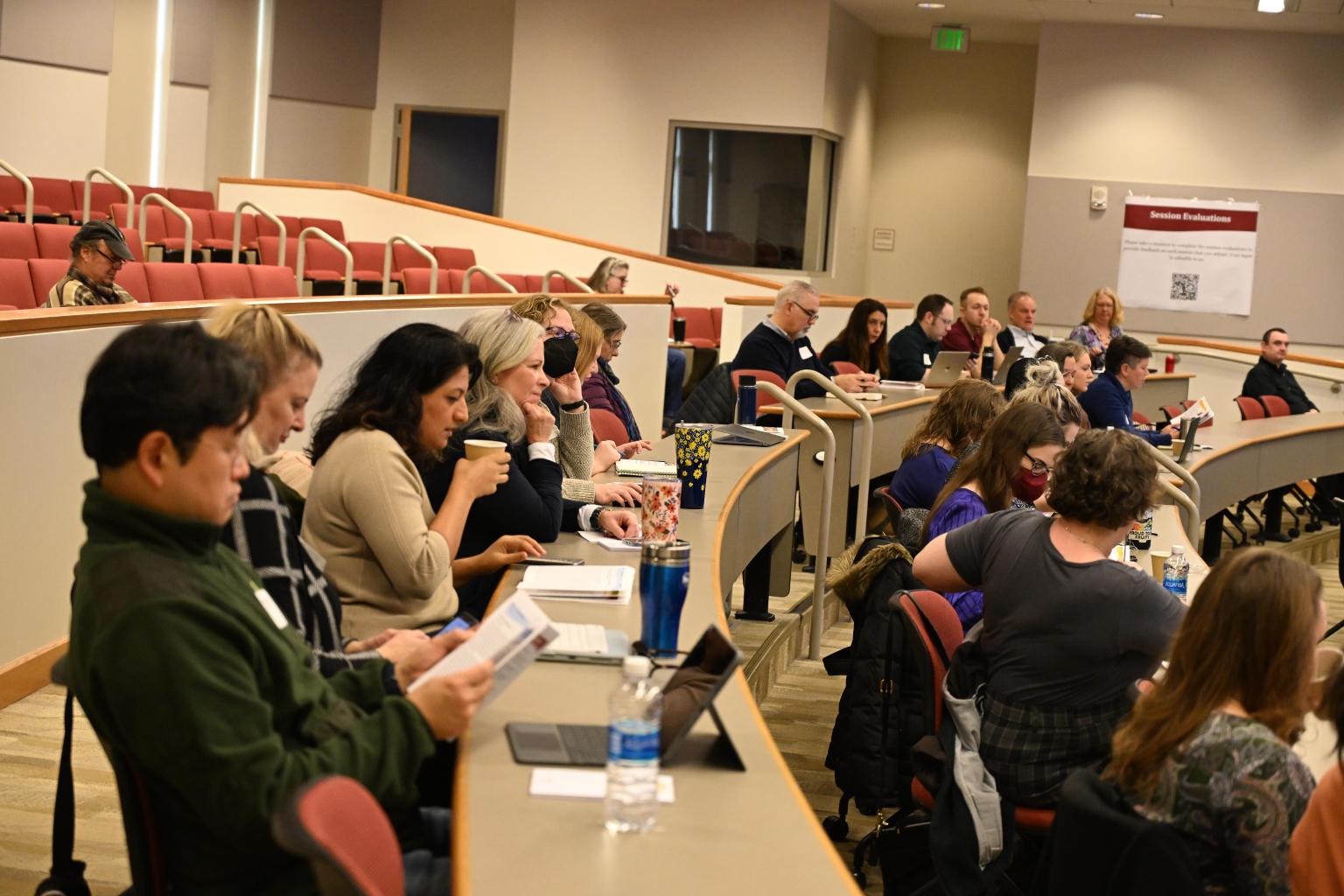
23 engaging sessions, 17 virtual attendees, 93 in-person attendees and an inspiring keynote by Dr. Sandy Pope and Dr. Tim Stock recap the 14th Annual Teaching and Learning Conference (TLC) that was held on Friday, February 16. The conference continued as a hybrid event, allowing for both in-person and virtual attendance for select sessions in PH 156. If you missed the conference or attended but wanted to see another concurrent session recording, then join the 2024 TLC site in MyClasses.


Attendees at TLC session in Perdue Hall 156 tiered classroom.
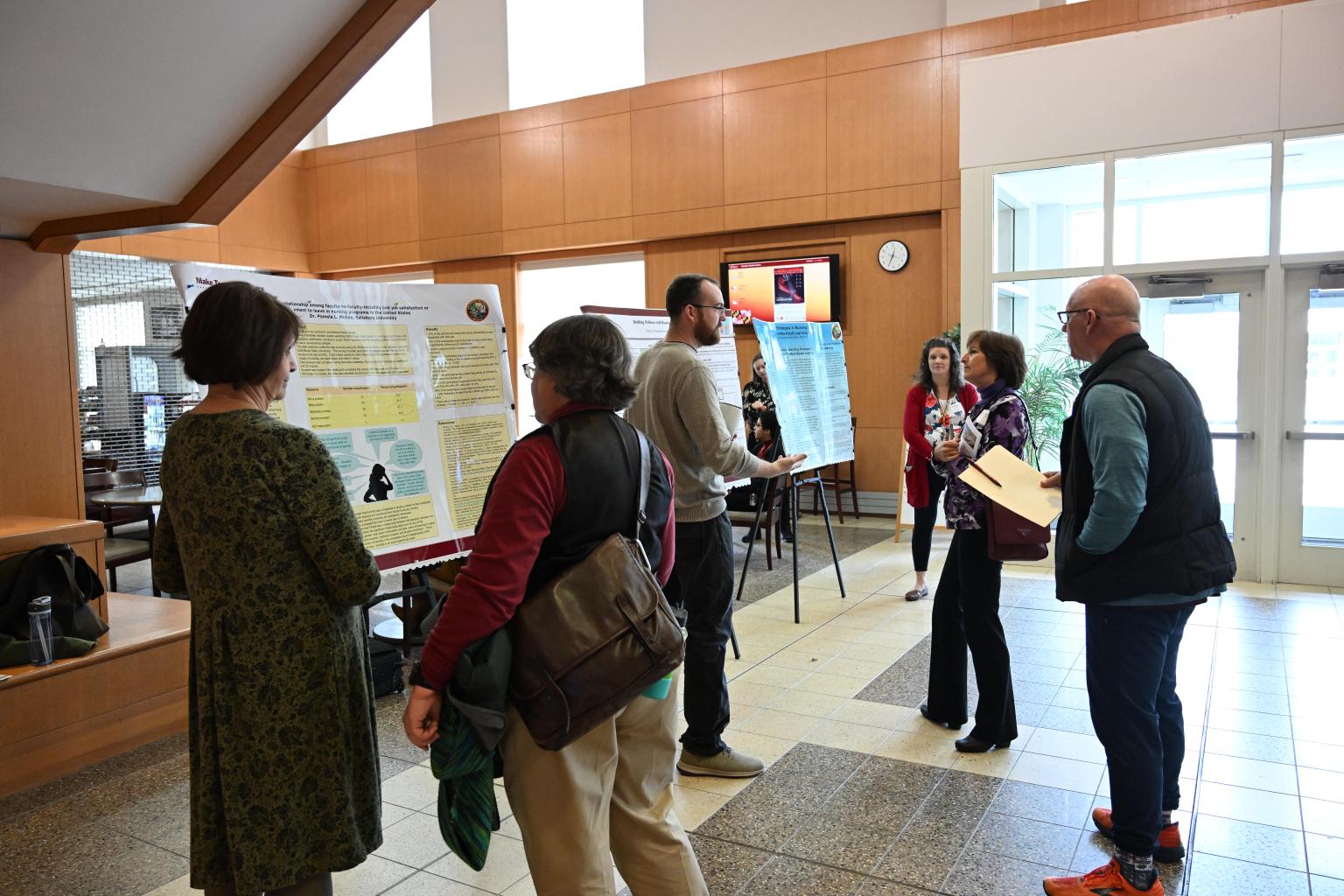
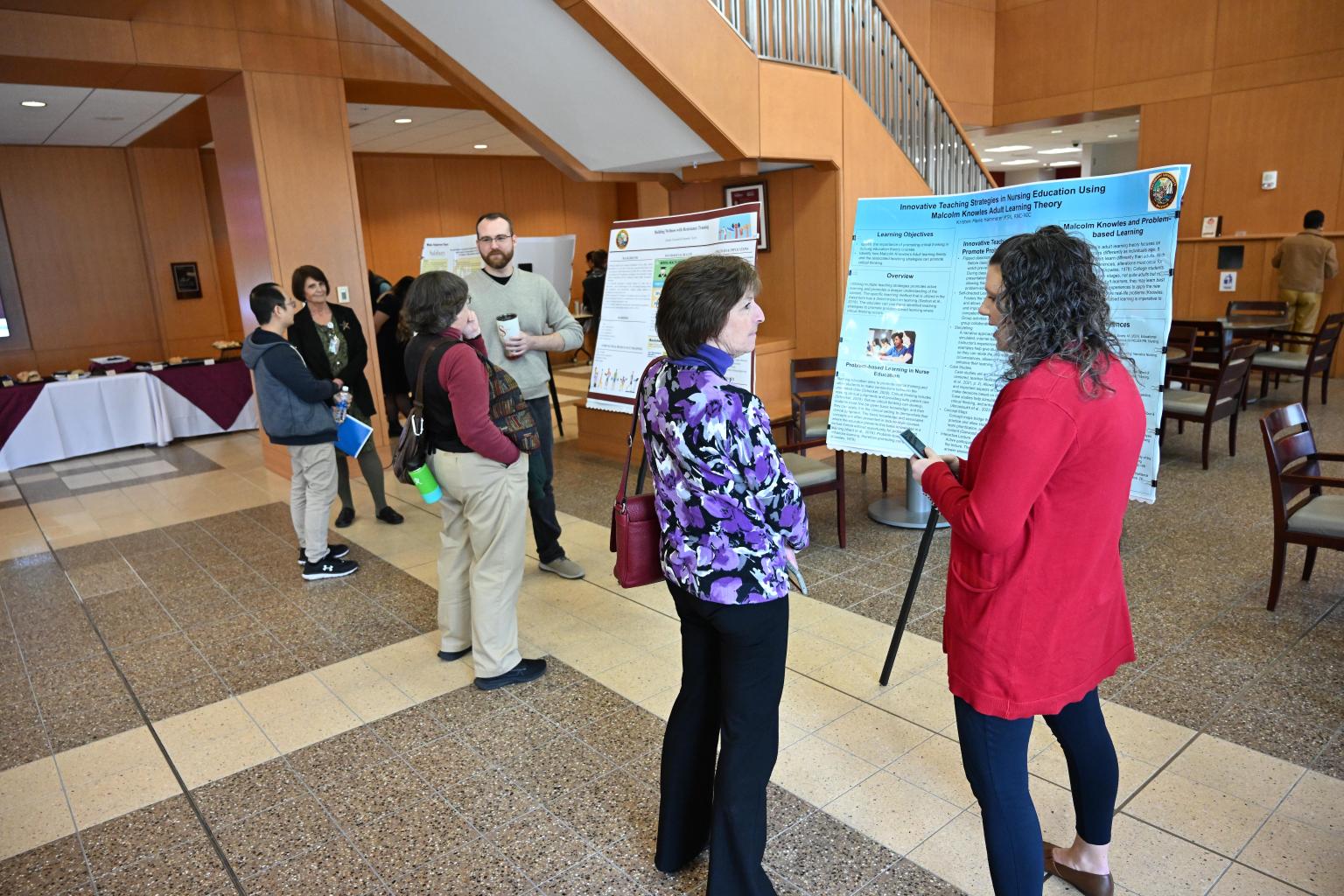
Attendees at TLC session in Perdue Hall during poster session

Moving to New Quizzes - Summer 2024/Fall 2024

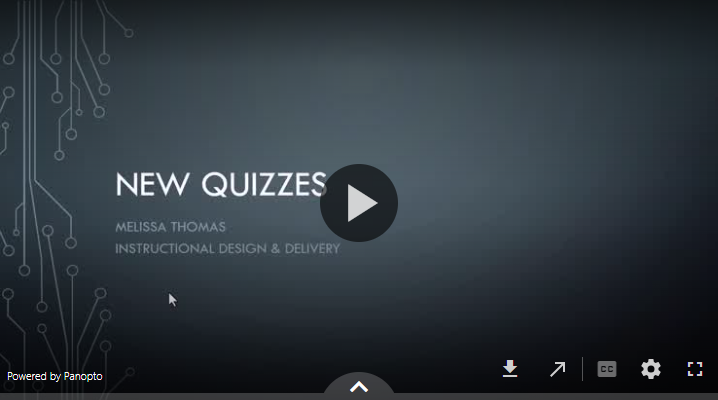
Video explaining New Quizzes transition by Summer/Fall 2024

We are making the move to New Quizzes beginning Summer 2024 and Fall 2024 sessions. New Quizzes is the newest online assessment feature in MyClasses. To prepare faculty and staff for this transition, ID&D is providing the following resources:


Fostering a Culture of Belonging: Cohort 1 Registration Extended to March 13!

Center for the Advancement of Faculty Excellence at Salisbury University

Ensure students and colleagues feel seen, heard and valued by participating in the Fostering a Culture of Belonging 8-week online course. This course equips faculty and campus professionals with evidence-based practices that expand on "Embracing Diversity in Your Learning Environment," a key topic in ACUE's Effective Teaching Practice Framework. The course contains the following four modules that are fully online and asynchronous, and each module takes approximately 2–3 hours to complete:

  • Managing the Impact of Biases
  • Reducing Microaggressions
  • Addressing the Imposter Phenomenon and Stereotype Threat
  • Cultivating an Inclusive Environment
 

Eligibility: Open to all Salisbury University faculty and staff


Important Dates:

  • Cohort 1
    • Registration Deadline: Extended to March 13, 2024!
    • Start Date: March 4, 2024


While the cohort 1 start date is March 4, this 8-week course is fully online and asynchronous, so you will be able to catch up and complete coursework as long as you register to be added by the extended March 13 deadline.

  • Cohort 2
    • Registration Deadline: May 20, 2024
    • Start Date: June 3, 2024


Questions can be directed to Dr. Jessica Clark, Assistant Provost for Faculty Success.


Learn More & Register For Your Cohort

Culturally Responsive Teaching and Learning Conference Interest Form

Person writing in a journal.

Photoby Gayatri Malhotra, Unsplash

Community College of Baltimore County (CCBC) is hosting the 9th Annual Culturally Responsive Teaching and Learning Conference on Thursday, April 18 and Friday, April 19 at The Maritime Conference Center in Linthicum Heights, Maryland. The 2024 conference theme will focus on exploring, analyzing, teaching, training and sharing about education centered on social justice.


If you are interested in attending this conference as part of a cohort of SU attendees, please complete the interest form to help CAFE gauge how many faculty would be interested in participating.

Call for Proposals for OER Faculty Grants

Maryland Open Source Textbook Initiative

The Maryland Open Source Textbook (MOST) initiative is seeking proposals for its Faculty OER Grant Program, which supports faculty efforts to increase access, affordability, and achievement for students at Maryland’s post-secondary institutions through the incorporation of open educational resources (OER) into teaching practice.

Available grants in 2024 include:

  • Adopt/Adapt OER ($1,000 grant + participation in the Lumen Circles Community of Practice)
  • Create, Revise and Publish OER ($2,000 grant + participation in the Rebus Textbook Success program)
 

All proposals must be submitted by 11:59 p.m. ET on Friday, March 1, 2024.

MyClasses Tip: Message Students Who

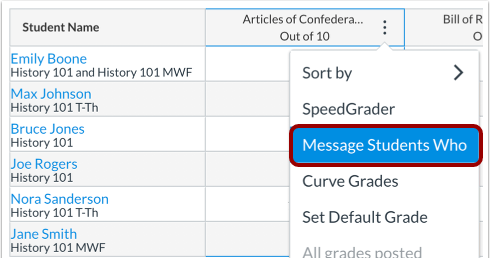
Canvas gradebook dashboard displaying student names and their classes

You can use the Gradebook to send messages to your students using the Message Students Who option. Message subjects are filtered based on specific assignment categories:

  • Haven't submitted yet—students who haven't submitted the assignment, even if they have been manually awarded a grade.
    • Why use this option? At the beginning of the semester, use this feature to remind students of an upcoming deadline. For example, if you have several quizzes throughout your course, using this feature will help students learn the deadlines early by sending gentle reminders until they can establish their own time management and routines.
     
  • Haven't been graded—students whose assignments have not yet been graded (submitted or unsubmitted).
    • Why use this option? Frequent and effective feedback is important,  but if you are behind in grading, this is a useful way to communicate with the students and acknowledge you know that they submitted an assignment but  are delayed in reviewing their work. This simple communication strategy can alleviate their anxiety about knowing how they performed.
     
  • Scored less than point value—students who earned a grade on their assignment less than X number of points.
    • Why use this option? Reach out to students who might have struggled on an assignment - provide them feedback and/or methods for improvement. Examples: (a) students who struggled with a writing assignment could be referred to the Writing Center for growth and support; or (b) students who are struggling with a particular concept could be referred back to a lecture, course materials or supplemental videos on the web.
     
  • Scored more than point value—students who earned a grade on their assignment more than X number of points.  
    • Why use this option? Too often, we communicate more with students who are struggling, but why not congratulate individuals on their successes? Use this feedback to acknowledge and reinforce students' efforts and build your connection with them. 


At the beginning of the semester, use this feature to build an inclusive and welcoming climate. This feature also saves you time; although one message most likely will be sent to multiple students, each student will receive an individual message.

Resource: How do I send a message to students from the Gradebook? 

Need Assistance?

Ways to get help:

♦ Search our ID&D Knowledge Base

♦ Submit a Help Request

♦ Contact your Instructional Designer 

♦ Schedule a Virtual Appointment

Visit & Follow Us

Department Information:

W: salisbury.edu/instructionaldesign

E: suidd@salisbury.edu

O: Guerrieri Academic Commons, 220

P: 410-677-6585

view online

Instructional Design and Delivery YouTube
Instructional Design and Delivery  X (formerly Twitter)
Instructional Design and Delivery Workshop Calendar